What is Problembo?
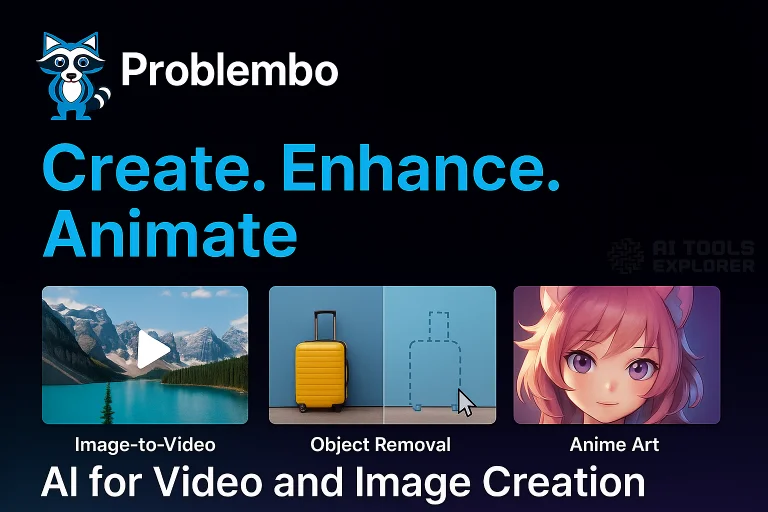
Problembo is an AI tool for video and image creation that includes an advanced AI image generator, image editor, video editor, and image upscaler. Users can create content using features like image to video, AI image generation, background removal, object removal, face swap, and AI photo enhancement. Problembo supports tasks such as editing images, extending images, and generating AI pictures from text or photos. With a pay-as-you-go pricing model, Problembo is ideal for users needing flexible access to AI photo editing and video creation tools.
Features & Benefits
- Image-to-Video Generation: Turn static images into videos with ease.
- AI Image Generation: Create visuals using four AI models without signing up.
- AI Image Editing: Remove objects, retouch portraits, and change clothing in images.
- AI Image Enhancement: Upscale images to 4K quality without watermarks.
- Object Removal: Remove unwanted elements, subjects, or watermarks from photos.
- Background Removal/Replacement: Replace or remove image backgrounds with precision.
- Image Extender: Expand images in any direction.
- Video Enhancement (Beta): Improve resolution, reduce noise, and enhance video frames.
- AI Anime Art Generator: Generate anime-style art with AI.
- AI Face Swap: Create realistic portraits using a face photo and text prompt.
- Computer Vision: Recognize objects in images and generate descriptive text.
- AI Model Training: Train AI models for face or style recognition based on images.
- Image-to-Text Conversion: Extract text from images (OCR or AI-generated captions).
Tasks Problembo Can Perform
- Generate videos from static images.
- Create AI-generated art, including anime-style visuals.
- Remove or replace objects and backgrounds in photos.
- Enhance image and video resolution.
- Extend image dimensions.
- Generate captions or extract text from images.
- Train AI models for custom style or facial recognition.
- Create AI-generated profile pictures or characters.
Real-World Applications
Problembo may be used by content creators who need to quickly turn visuals into videos using the image to video feature. This helps marketers and social media managers repurpose photos into reels, ads, or YouTube intros without traditional editing software. Combined with the built-in video editor, users can enhance or clean up video quality even from older footage.
Online sellers and e-commerce brands might use Problembo’s background removal and object removal tools to prepare clean, professional-looking product photos. The AI image editor and image upscaler help ensure that product visuals meet the resolution standards for online marketplaces and printed catalogs. These tools allow users to produce studio-style images from basic phone photos.
Artists, illustrators, and designers can explore creative concepts using the AI image generator to produce anime-style characters, custom artwork, or concept drafts. For storytelling, branding, or gaming, the AI face swap feature can be used to generate unique fictional avatars and profile pictures.
Users working with personal media—such as family photos or low-resolution videos—can apply the AI photo enhancer or AI video enhancement tool to upscale images to 4K and reduce noise in videos. Whether restoring old memories or creating high-quality content for platforms like TikTok and Instagram, Problembo offers flexible tools for everyday visual content needs.
For a fun twist, Problembo’s AI person generator could be used to create fictional avatars for storytelling, role-playing games, or unique profile pictures for social media.


