What is Krea AI?
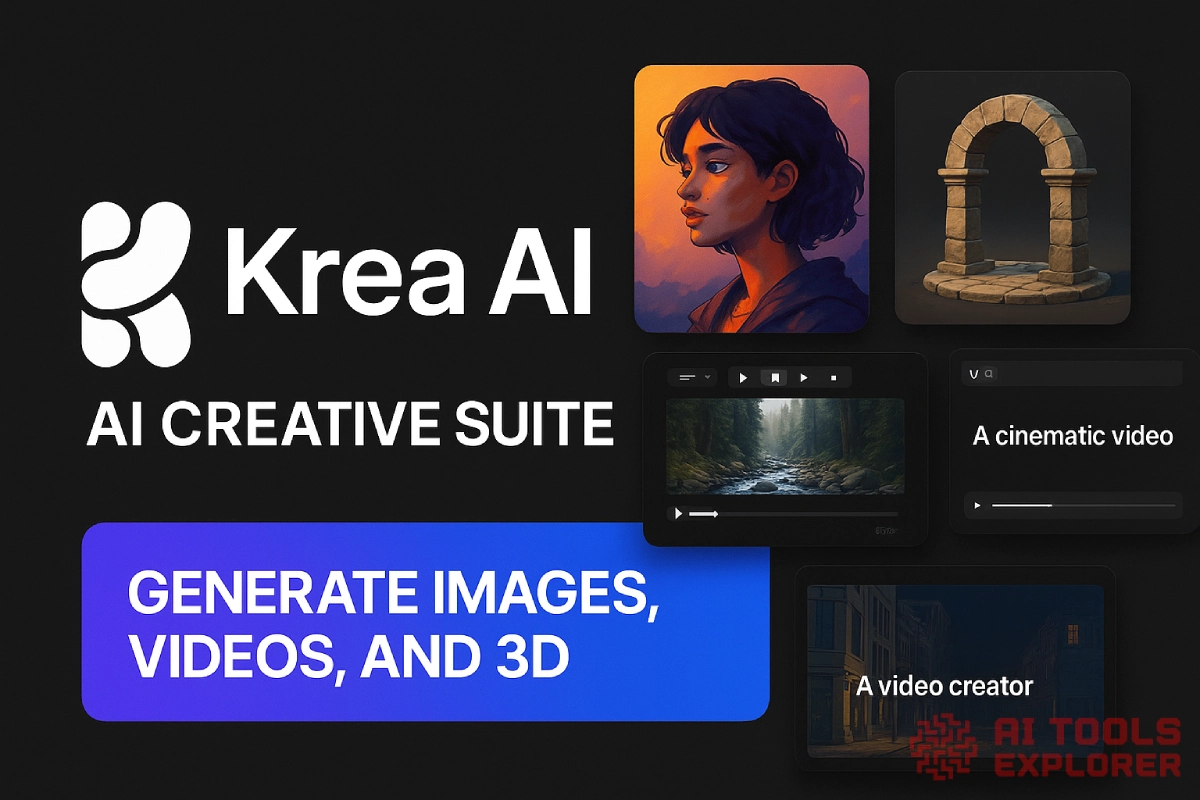
Krea AI is an AI creative suite for generating, editing, and enhancing media using text, image, and video inputs. It combines AI image generators, video tools, 3D model creation, and editing features into one platform. Krea AI lets users produce professional-grade visuals without design skills, using simple prompts and an intuitive web interface.
Krea AI helps users create digital content across images, videos, and 3D assets, making it useful for art, marketing, social media, and product design. It supports text-to-image generation, text-to-video creation, AI image editing, and AI-based 3D model building.
Krea AI Video
Krea AI Features & Benefits
✅ AI Image Generation
Generate images from text, apply custom or community styles, and guide results using image prompts. Includes tools like:
- Text to Image – Describe any scene and generate high-quality visuals.
- Real-time Image Generation – Produce outputs in ~3 seconds using multiple models and 1,000+ styles.
- Image Prompt Input – Use your own photos to guide layout, color, and content.
- Image Variations – Explore dozens of variations from a single concept with one click.
- Aspect Ratio Control – Generate images in any format without cropping.
- Curated & Community Styles – Choose from 300+ curated styles and 3,000+ community styles.
- Style Training – Train your own LoRA model using 4–5 images to create custom characters or looks.
✅ AI Video Generation
Turn text or images into short videos using models like Veo, Sora, Runway, and more. Includes tools like:
- Text to Video – Generate cinematic video from just a description.
- Image to Video – Animate still images into moving scenes.
- Video Merging – Seamlessly combine clips with AI-generated transitions.
- Video Extension – Continue video scenes beyond the final frame.
- Native Audio Generation – Add synced sound effects, dialogue, and ambient audio.
- Motion Transfer – Apply realistic movement to static subjects.
- Parallel Generation – Generate multiple videos at once using different prompts or models.
- Video Upscaling – Enhance resolution up to 8K and 120fps using tools like Topaz.
- Frame Interpolation – Add smooth motion between frames for slow motion or clarity.
- Video Style Transfer – Apply visual styles from one video to another.
✅ AI 3D Model Generation
Generate 3D objects from either text descriptions or reference images.
- Text to 3D – Describe any object and create a basic mesh model.
- Image to 3D – Convert existing images into 3D geometry for use in design or virtual scenes.
✅ AI Photo Editor
Edit images with generative fill, object removal, lighting changes, and more.
- Generative Image Editing – Add, remove, or change parts of an image with text prompts.
- Generative Fill & Outpainting – Expand images to fit new aspect ratios or framing needs.
- Inpainting – Fix image artifacts or reimagine image sections with a brush tool.
- Image Combination – Merge multiple photos into one composition.
- Style Transfer – Reimagine photos with LoRA styles or art-style prompts.
- Image Remixing – Blend style from one image and content from another using prompts.
- Lighting & Expression Editing – Change facial expressions, lighting conditions, or object details.
- Simple Text Editing – Use plain language to instruct image changes without complex tools.
- Batch Image Editing – Enhance or upscale multiple images at once for faster workflow.
- AI Photo Upscaling – Increase image resolution by 2x, 4x, or 8x with improved sharpness and detail.
- Detail Restoration – Fix blurry, pixelated, or low-quality images by reconstructing texture and clarity.
Real-world applications
Social media managers can use Krea AI to generate images and videos for Instagram, TikTok, or LinkedIn using text prompts. A product-based prompt like “a coffee mug on a wooden table in morning light” can instantly become a branded post. Users might also animate static product photos with the image-to-video tool for reels or ads.
Graphic designers may use Krea’s AI image generator to brainstorm logo concepts, character designs, or background illustrations. The ability to train custom LoRA models lets designers build visuals that stay on-brand. Batch editing tools and AI upscalers make it easier to polish multiple assets quickly.
Content creators might rely on Krea AI’s video tools to produce short clips from written ideas. With support for leading AI video generator models like Veo and Sora, users can create short-form explainer videos or storytelling scenes. Adding synced audio and transitions without manual editing saves hours.
3D designers or hobbyists can turn text into basic 3D models using Krea’s text-to-3D features. Users may describe objects like “a futuristic helmet” or “stone archway” and get a usable mesh output. This makes it possible to speed up early-stage prototyping for games, AR, or product concepts.


