What is Clideo?
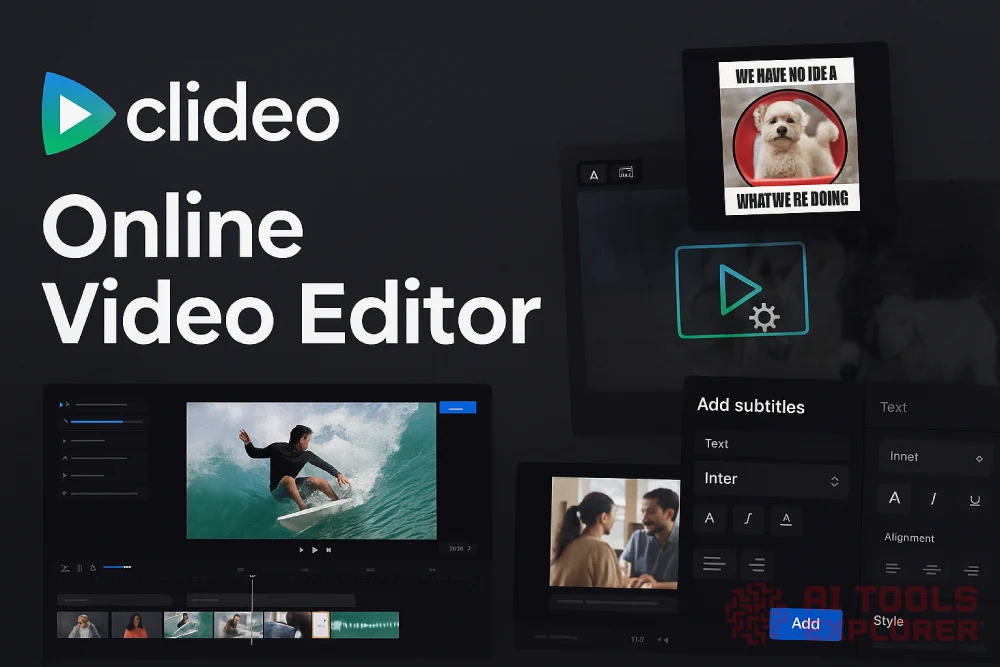
Clideo is an online video editor that works directly in your browser. It lets users trim, cut, merge, resize, compress, and customize videos without installing software. You can add music, subtitles, images, text, and stickers. Clideo also includes AI tools like auto subtitle generation, speech-to-text, voiceover translation, and text-to-speech. The video editor is used for social media, education, business, and personal content creation.
Features & Benefits
- Cut and trim videos – Remove unwanted sections by selecting specific time markers.
- Merge video and images – Combine multiple clips and images into one video with optional background music.
- Compress video files – Reduce file size for faster uploads and easier sharing.
- Resize videos for platforms – Use preset sizes for Instagram, TikTok, YouTube, and more.
- Crop video frame – Remove parts of the frame using custom or default aspect ratios.
- Add subtitles manually – Insert and customize subtitles with font, size, and color options.
- Add music to video – Upload and sync your own audio with the video timeline.
- Adjust video settings – Change brightness, contrast, saturation, fade, or apply vignette effects.
- Add stickers and emojis – Drop animated visuals into videos for personalization.
- Add text, logos, or shapes – Overlay text, brand logos, or simple shapes on screen.
- Split and loop videos – Divide clips or set them to repeat multiple times.
- Create stop motion videos – Set frame rate and speed to simulate stop motion.
- Create GIFs and memes – Make GIFs or memes from videos or images with text.
- Record screen or webcam – Capture your screen or webcam directly from your browser.
- Auto subtitle generator – Use AI to create subtitles from video or audio in any language.
- Video translator – Translate subtitles and add an AI-generated voiceover in the target language.
- Translate English video – Detect English speech and output translated subtitles and AI narration.
- Audio translator – Translate audio files and generate subtitle files automatically.
- Video to text – Convert spoken content from video into editable text or subtitles using AI.
- Audio to text – Transcribe spoken audio into plain text using AI speech recognition.
- Text to speech – Turn written text into AI voice narration in the browser.
Real-world applications
Social media creators may use the online video editor to cut and resize videos for TikTok or Instagram, and auto-generate subtitles with AI for accessibility and engagement.
A small business owner might create a product video by merging clips and images, adding a music track, inserting brand text, and using text-to-speech for quick narration.
Educators can record lessons, add AI-generated subtitles, and export both videos and transcripts for students who need different content formats.
Freelancers working with international clients can use the AI video translator to localize content. They can export translated subtitles and voiceover versions for different markets without hiring voice talent.


