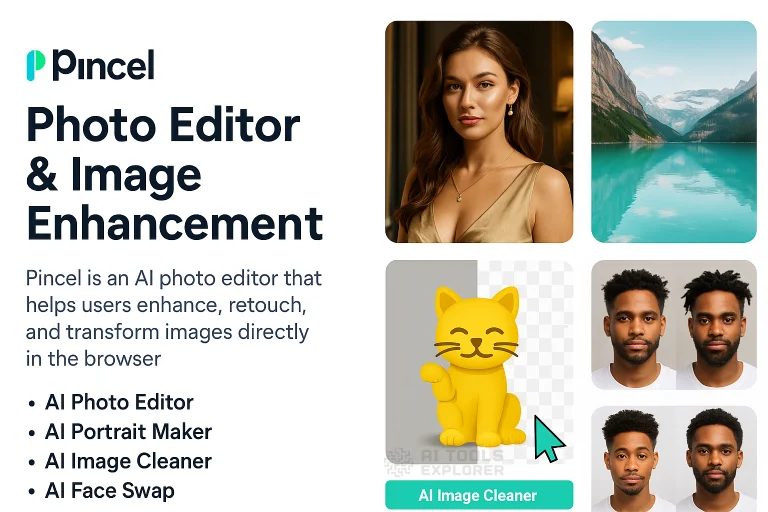
What is Pincel?
Pincel is an AI photo editor that turns a text prompt into a direct edit on your photo or video. You type what you want changed and the AI applies it. Pull an unwanted object out of a scene. Swap an outfit on a subject. Generate a polished portrait from a selfie. Animate a still image into a moving video clip. The scope of what the AI photo editor can do goes well beyond basic touch-ups. It handles face and body editing, video generation, audio production, and creative design work. Each task has its own dedicated tool built specifically for that job.
Pincel Video
Features & Benefits
- AI Image Editor: describe a change in text and apply it directly to any photo using generative AI.
- Object Remover: paint over any unwanted element and AI fills the gap with realistic surrounding content.
- Generative Fill: select any region of a photo and replace it with AI-generated content from a text description.
- Background Remover: isolate the subject of any image by cutting the background in one step.
- AI Background Generator: replace a blank or removed background with an AI-generated scene built from a text prompt.
- Photo Extender: expand a photo beyond its original borders with AI-generated content that blends naturally.
- Relight: change the lighting direction, intensity, and tone in a photo after the shot.
- AI Upscaler: increase the resolution of a low-quality image while recovering fine detail.
- Colorize: add realistic color to black-and-white photographs using AI.
- AI Portrait Maker: turn a selfie into a high-quality AI-generated portrait in various artistic styles.
- Face Swap: replace any face in a photo or video with a different one with natural lighting and skin tone matching. Swap multiple faces in a single image or across all frames of a video clip.
- Face & Body Editor: adjust facial features, expressions, body shape, and proportions in any photo using AI tools. Includes hair color and style changes, virtual makeover, and clothing swap.
- Talking Photo: animate a still portrait to sync facial movement with an audio track.
- AI Character: generate a consistent AI character with stable visual identity across multiple images.
- AI Image Variation Maker: produce multiple distinct variations or reimagined versions from a single source image. Includes style replication from a reference photo.
- Text to Image: generate a completely new image from a text prompt.
- AI Image to Video: animate any still image into a video clip using AI motion generation.
- Text to Video: generate a video from a text description of the scene and action.
- AI Architect: generate a redesigned version of a room or building from a photo input.
- Creative Design Tools: generate PNG graphics, SVG vectors, 3D models, stickers, QR code artwork, logo effects, optical illusions, and spiral artwork from text prompts or image inputs.
- Audio Tools: generate songs, sound effects, and spoken audio from text. Includes a voice changer for modifying existing recordings.
- AI Multimedia Chat: upload images or files and interact with them through a conversational AI interface.
- Image Utilities: compress, crop, batch crop, and build collages or before-and-after comparisons from existing photos.
Real-World Applications
Taking photos outdoors or in a rush rarely produces a clean background. The AI photo editor handles that after the fact. Remove whatever ended up in the frame. Replace the background with something that actually works for the shot. Extend the edges when the crop was too tight. The photo you needed is usually already there, just not quite finished.
Social media content moves fast. A single photo can go further when the AI photo editor turns it into multiple variations, adds motion through Face Animator or Image to Video, or generates a matching portrait version for a different format. What starts as one image can produce a week of posts.
Old family photos sitting in a box or on a hard drive tend to be low resolution, faded, or black and white. Colorize brings them back to life. The upscaler recovers detail from blurry scans. Object Remover cleans up scratches or unwanted marks. The result is a photo worth printing or sharing again.
Trying on a haircut, outfit, or makeup look before committing to it is something most people have wanted to do at some point. The AI photo editor makes that possible from any portrait photo. Change the hair color, swap the outfit, apply a full makeup look, and see how it actually looks before any real-world decision gets made.
Creatives working on personal projects may use the design tools to generate artwork, build visual concepts, or produce styled graphics without needing to draw or use complex software. A text prompt produces the image. From there it can become a sticker, a poster element, a QR code with a visual twist, or a 3D render.


