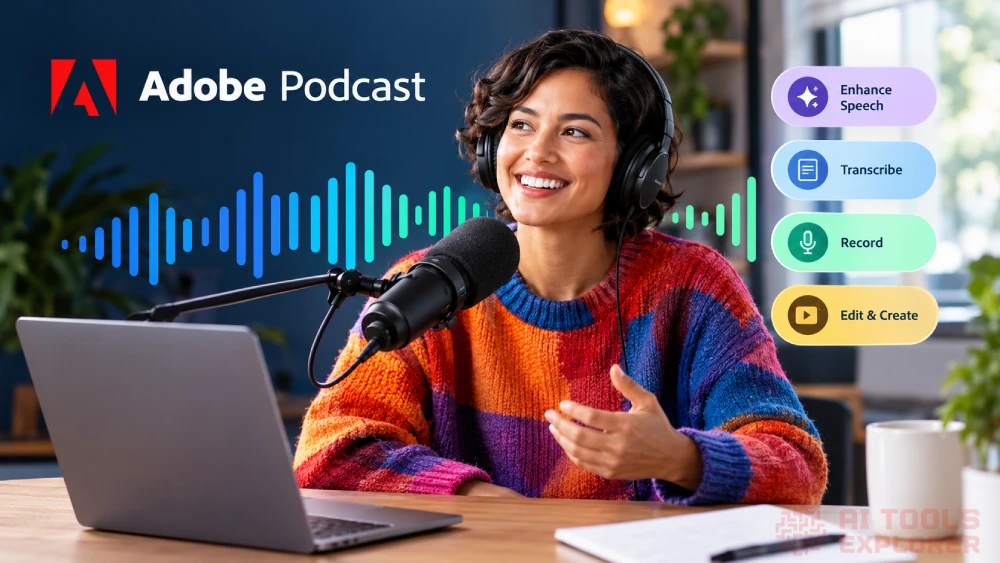
What is Adobe Podcast?
Adobe Podcast is an AI audio enhancer that works entirely in the browser. Room echo, background noise, and cheap mic quality make recordings sound amateur. Adobe Podcast fixes that with AI that cleans up spoken audio to near-studio quality. Beyond cleanup, it also records podcast episodes, transcribes speech, and edits audio and video through a transcript-based editor.
The tool fits podcasters, voiceover artists, educators, video editors, and anyone who records speech regularly. Adobe Podcast offers a free tier with basic AI audio enhancer features. A paid plan through Adobe Firefly Pro opens up longer files, bulk processing, video enhancement, and more control over how the cleanup sounds.
Adobe Podcast AI Video
Features & Benefits
- Enhance Speech: Remove background noise, room echo, and mic hiss from voice recordings with AI audio enhancer processing that works on uploaded files right in the browser.
- Transcription-Based Editing: Cut, copy, and paste audio by editing its transcript like a text document, using the same transcription engine found in Adobe Premiere Pro.
- Remote Recording: Record solo or with remote guests, with each person captured on a separate 16-bit 48k WAV track even when internet connections drop.
- AI Transcription: Transcribe audio and video files, then download the full transcript as text or PDF for notes, show notes, or repurposing. Transcription is available in English, French, German, Hindi, Italian, Portuguese, Spanish.
- Video Captioning: Add captions to video files directly, ready for social media posting.
- Music Removal: Strip background music from audio or video files to isolate the spoken content underneath.
- Audio-to-Video Conversion: Turn audio recordings into shareable video with customizable audiograms, caption themes, and custom backgrounds.
- Royalty-Free Music Library: Browse pre-edited sound collections with podcast-ready intros, outros, transition sounds, and background music.
- Enhancement Strength Control: Adjust the mix between studio clarity and natural environment sound so the AI audio enhancer result doesn’t sound over-processed.
- Bulk Upload: Queue multiple files at once for batch enhancement instead of uploading them one by one.
What can Adobe Podcast do?
- Remove background noise from audio
- Enhance voice recordings with AI
- Transcribe audio and video files
- Edit audio using a transcript
- Record podcasts with remote guests
- Add captions to video
- Remove music from recordings
- Convert audio to video
- Create audiograms for social media
- Download speaker-separated tracks
Real-World Applications
Solo podcasters who record at home can run full episodes through Adobe Podcast before publishing. A spare bedroom with hard walls and street noise outside no longer ruins a take. The transcript editor lets them trim filler words and dead air without touching a waveform. They can also pull in royalty-free intros and outros right from the built-in music library.
The AI audio enhancer side of Adobe Podcast may appeal to online course creators and teachers who record lectures on laptop mics. A noisy classroom recording can come out sounding clean. The transcription tool turns that same lecture into a downloadable PDF for students. Captions can go onto video clips for better accessibility in any learning management system.
Interview footage shot in loud locations is a common headache for freelance video editors. Adobe Podcast’s AI audio enhancer can clean up a rough on-location recording without re-recording the talent. The music removal tool can also strip a placeholder track from a rough cut before the final mix goes to a client.
Small marketing teams that repurpose podcast content get a lot out of Adobe Podcast. An hour-long episode can become a set of short captioned audiogram clips for social feeds. The royalty-free music library adds ready intros and transitions without any separate licensing.
Personal projects work here too. A family interview, a voice memo for a creative idea, or a rough demo recording can all go through the AI audio enhancer for free. No software download is needed. The free plan covers recordings up to 30 minutes, which is plenty for casual use.


