What is Loova AI?
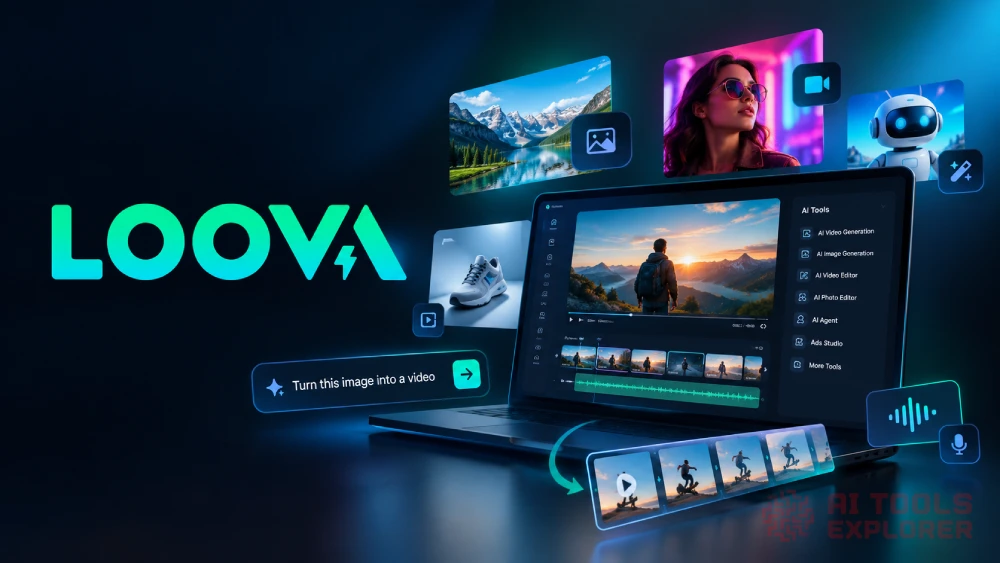
Loova AI is an AI creative suite that combines video generation, image creation, and visual editing in one workspace. Many creators struggle to keep up with the demand for fresh video and image content. Loova gives access to over 20 AI video models and a dozen AI image models, all through a single interface. The built-in AI agent can plan scenes, organize shots, and generate clips on its own. An Ads Studio turns product photos or URLs into ready-to-post video ads. No technical skills are needed. Loova AI fits anyone who makes visual content, whether that means social media managers, ecommerce sellers, short-film makers, or hobbyists trying out AI art for the first time. The AI creative suite also includes talking photos, character swaps, motion transfer, and text-to-speech.
Loova AI Video
Features & Benefits
- AI Video Generation: Create videos from text prompts, uploaded images, or existing footage with a choice of over 20 AI models and resolutions up to 4K.
- AI Image Generation: Build images from text or reference photos using the the library of dedicated image models, with output up to 2K.
- AI Video Editor: Edit clips through written prompts, swap backgrounds, remove or add objects, change camera angles, and apply preset visual styles.
- AI Photo Editor: Retouch, extend, upscale, or restyle photos with prompt-based controls as part of the image toolkit.
- Infinite Canvas and AI Agent: Describe an idea and let the AI agent plan scenes, storyboard, and generate video automatically inside an unlimited visual workspace.
- Ads Studio: Turn a product photo or URL into a UGC-style video ad with AI avatars, lip-synced voiceover, and social-ready formatting.
- Talking Photo and Character Swap: Animate any still image into a speaking video or replace a person in a clip with a different character.
- Motion Transfer: Copy movements and facial expressions from one video onto a still image to create new animated content.
- Text to Speech: Convert written scripts into natural-sounding voiceovers for video projects.
- Video Style Transfer: Apply artistic presets like animation or 3D styles to existing footage through the video-to-video tool.
- Reference-Based Video: Upload reference clips so the AI matches specific camera movements, effects, or scene layouts in the new video.
What can Loova AI do?
- Generate AI video from text
- Create AI images from prompts
- Turn photos into talking videos
- Swap characters in video clips
- Clone viral ads with new products
- Edit video with text prompts
- Remove objects from video
- Change video backgrounds with AI
- Transfer motion between clips
- Upscale and enhance images
- Generate UGC-style product ads
- Build storyboards with AI agent
Real-World Applications
Freelance video editors can cut days off a project with Loova AI. A client sends a product photo, and the editor turns it into a finished clip without scheduling a shoot. If the client wants a specific camera movement or scene layout, the reference-to-video tool can match it on the first try.
Ecommerce sellers who run paid ads on social media go through creatives fast. The Ads Studio lets them paste a product URL, pick an AI avatar, and get back a UGC-style video ad. They can test multiple hooks in one sitting instead of waiting on a production cycle.
Campaign planning looks different with the Infinite Canvas. An agency team describes a concept, and the Loova’s AI agent splits it into scenes, generates clips, and arranges them on a visual storyboard. Rounds of back-and-forth between writers and designers shrink considerably.
Content creators who post every day on short-form platforms deal with a constant need for fresh visuals. Character swap, motion transfer, and style effects can stretch a single photo or clip into several new pieces. A still portrait might become a talking video one day and a stylized animation the next.
The range of AI models is what makes Loova practical beyond professional use. Over 20 video models and a dozen image models cover everything from quick animations to cinematic 4K clips. A teacher could pick a fast model for a classroom explainer. A musician might choose a cinematic one to animate album art. Someone planning an event could generate a short video invite in minutes. Each model has a different strength, so the right fit depends on the project, not on editing experience.


