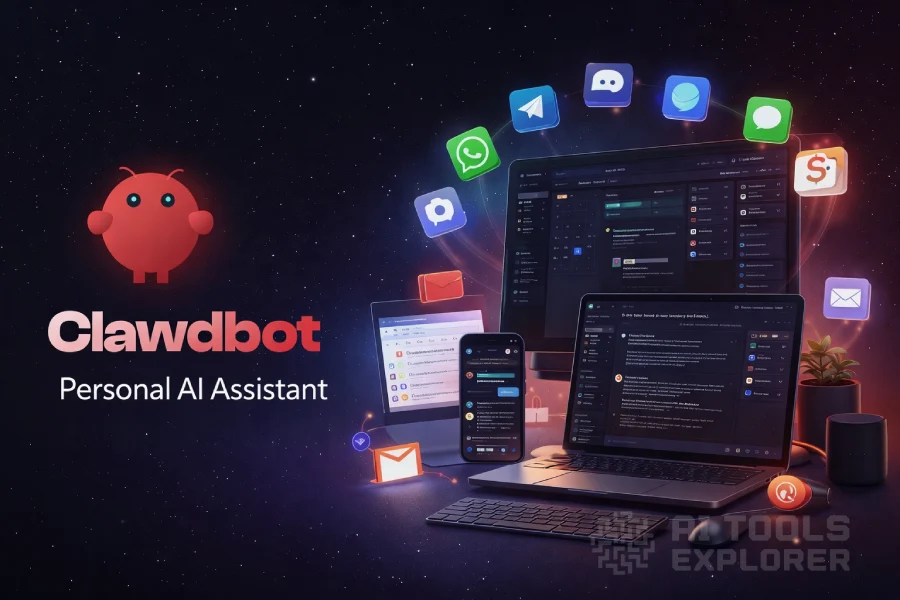
What is OpenClaw?
OpenClaw is an open-source AI assistant framework. It runs on any device and connects to any chat app the user already uses. It operates as a personal AI agent executing real tasks — email, browser control, file access, scripts, and calendar. Users interact via WhatsApp, Telegram, Discord, Slack, Signal, iMessage, Microsoft Teams, and more.
OpenClaw runs on the user’s own machine, keeping all data private by default. It supports Claude, GPT, Gemini, DeepSeek, Mistral, Grok, and local models via Ollama and LM Studio. The AI assistant runs 24/7 and initiates actions on a schedule. It can write and install its own new skills through conversation.
OpenClaw Video
A note on naming: OpenClaw has gone through two name changes since its launch in November 2025. It was originally released as Clawdbot — a nod to Claude, the Anthropic AI model powering it, with a lobster mascot named “Clawd.” In January 2026, Anthropic issued a trademark request citing phonetic similarity between “Clawd” and “Claude.” The project was renamed Moltbot — a reference to lobster molting, shedding an old shell to grow a new one. Three days later, Steinberger renamed it again to OpenClaw, this time voluntarily. The name “Moltbot” never felt right to him, and he wanted a stable identity that emphasized the project’s open-source nature while keeping the lobster heritage. Clawdbot, Moltbot, and OpenClaw are the same project and the same codebase. All three names refer to the AI assistant you can install today.
Peter Steinberger announced in February 2026 that he was joining OpenAI to work on next-generation personal AI agents. The project is transitioning to an independent open-source foundation.
Features & Benefits
- Runs on your device – Install on macOS, Windows, or Linux. Companion apps available for iOS and Android. Run fully offline with a local model or connect to any AI API.
- Any chat app – Talk to the AI assistant via 15+ messaging platforms including WhatsApp, Telegram, Discord, Slack, Signal, iMessage, and Microsoft Teams. Works in DMs and group chats.
- Multiple AI models – Connect Claude, GPT, Gemini, DeepSeek, Mistral, Grok, or any local model via Ollama or LM Studio. Switch models at any time.
- Persistent memory – Remembers preferences, context, and ongoing tasks across all sessions. Memory builds over time.
- Email management – Read, draft, send, and organize email directly from any connected chat app.
- Calendar management – Schedule meetings, check availability, move events, and set reminders.
- Browser control – Browse the web, fill forms, click through flows, and extract data from any website autonomously.
- Full system access – Read and write files, run shell commands, and execute scripts. Choose full access or sandboxed mode.
- Smart home and device control – Control smart lights, thermostats, speakers, and IoT devices. Integrates with Home Assistant and other smart home platforms.
- Voice control – Voice Wake and Talk Mode for hands-free interaction with the AI assistant.
- Scheduled and proactive tasks – Set cron jobs, recurring tasks, and monitoring alerts. The AI assistant initiates contact when something needs attention — without being asked.
- Self-extending skills – OpenClaw can write and install new skills for itself through conversation. No coding required from the user.
- Skills marketplace (ClawHub) – Install 100+ community-built skills for specific tools and workflows. Covers productivity tools, music services, social platforms, smart home systems, and more.
- Open source – Fully open source and available on GitHub. VirusTotal partnership for skill security verification.
Real-World Applications
Developers who want a customizable personal AI agent can use OpenClaw. It builds a self-hosted AI assistant tailored to any workflow. Users can inspect, modify, and extend every part of the system. The AI assistant can write its own new capabilities. All context, skills, and memory live on the user’s machine with no cloud dependency.
Privacy-conscious users who want an AI assistant that keeps data local can use OpenClaw’s self-hosted architecture. The AI assistant accesses files, email, calendar, and browser. No data leaves the machine unless the user connects an external service explicitly.
Power users with high volumes of email, code, and documents can use OpenClaw. It runs as a personal AI agent autonomously in the background. Confirmed use cases: Claude Code loops triggered from a phone. AI agents resolving GitHub issues and opening PRs. Processing company knowledge bases via WhatsApp. Managing disputes through automated email. Automating grocery orders, 3D printer management, and health data tracking from wearables.
Teams and small organizations can use OpenClaw to give members a shared AI assistant. It connects to internal tools, monitors channels, and executes tasks across the team stack. OpenClaw is open source and can be self-hosted on a server. Multiple users can access it simultaneously, each with their own persona, memory, and skill configuration.cts to internal tools, monitors channels, and executes tasks across the team stack. OpenClaw is open source and can be self-hosted on a server. Multiple users can access it simultaneously, each with their own persona, memory, and skill configuration.


